Table of Contents
- Creating New Events with Custom Fields
- Updating Event Details
- Adding More Events
- Editing Existing Events
- The Power of AI in Custom Fields
- Why Custom Fields Matter
- Frequently Asked Questions
- Conclusion
Creating New Events with Custom Fields
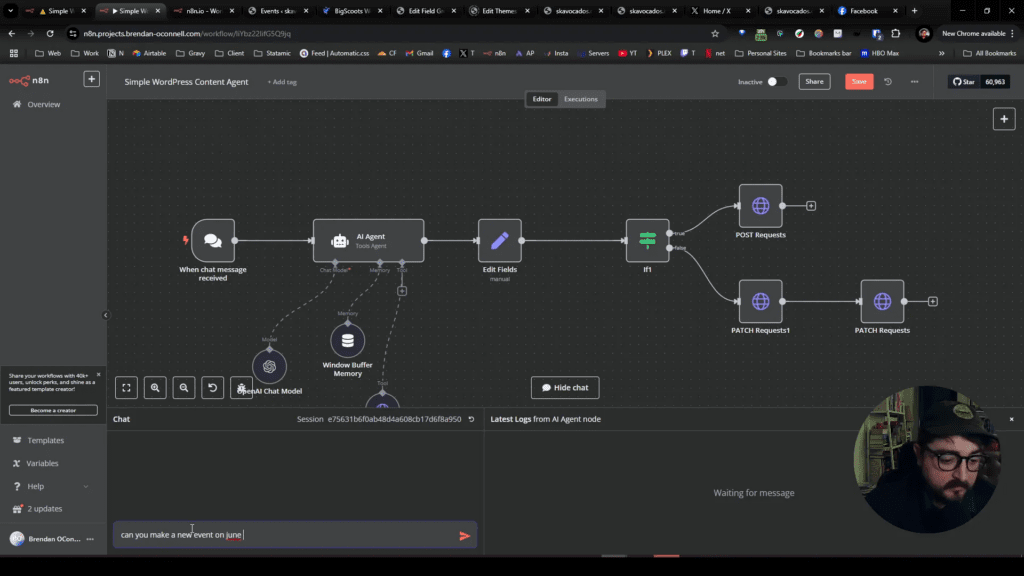
Let’s start with a simple example: creating a new event. Imagine you want to set up a “Summer Film Series” event on June 13th. With the right setup, this can be done seamlessly through custom fields.
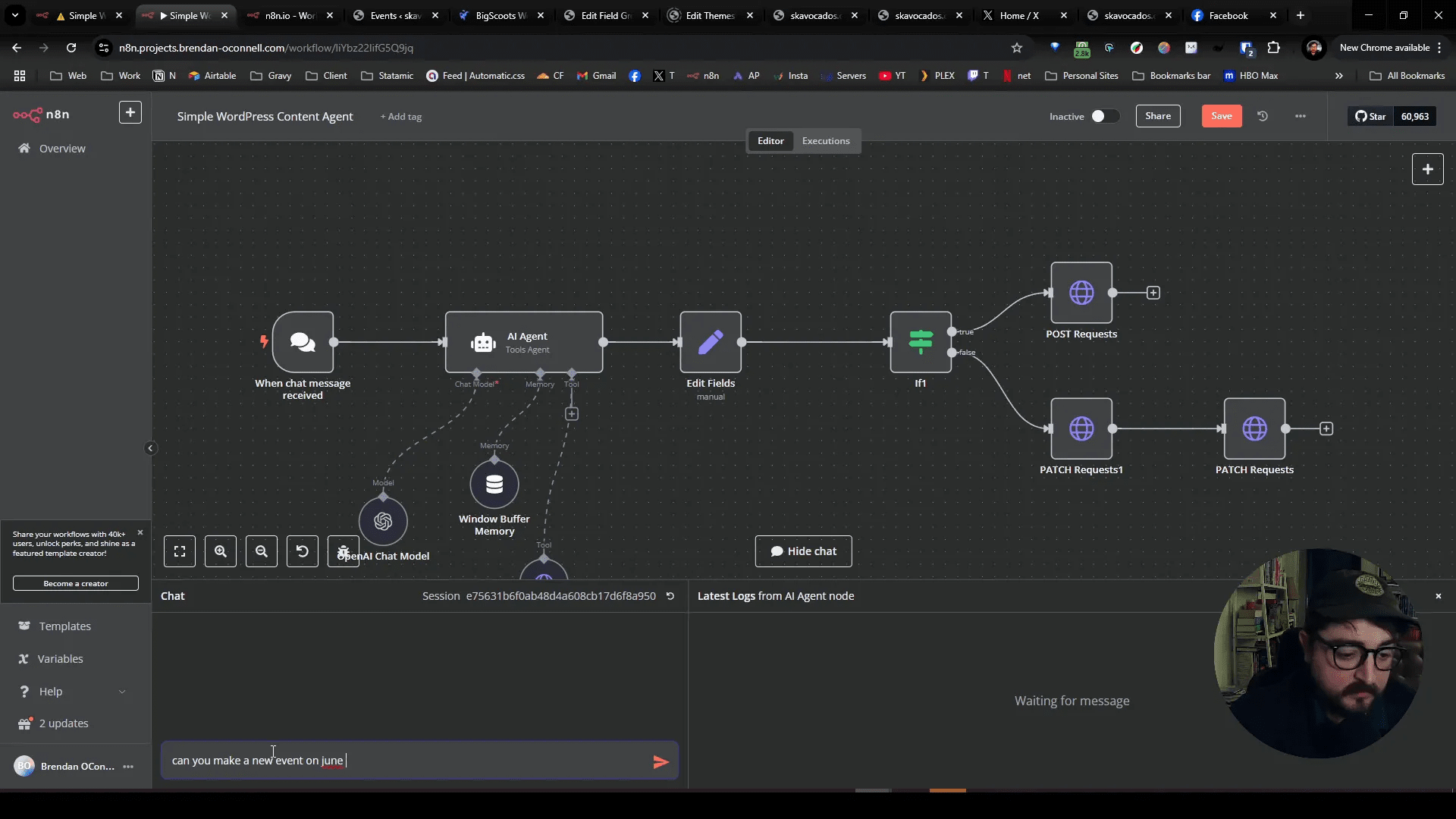
When you input the event details, the system will create the event and add it to the calendar automatically. In our case, we confirmed that the event was created successfully, and the date was accurately reflected in the system. This is the beauty of custom fields—they allow for dynamic content management without manual entries.
Updating Event Details
After creating the event, you might want to make some changes. Let’s say we want to update the “Summer Film Series” to start at 9:00 PM and change the ticket price to $25. This is where the functionality of custom fields shines.
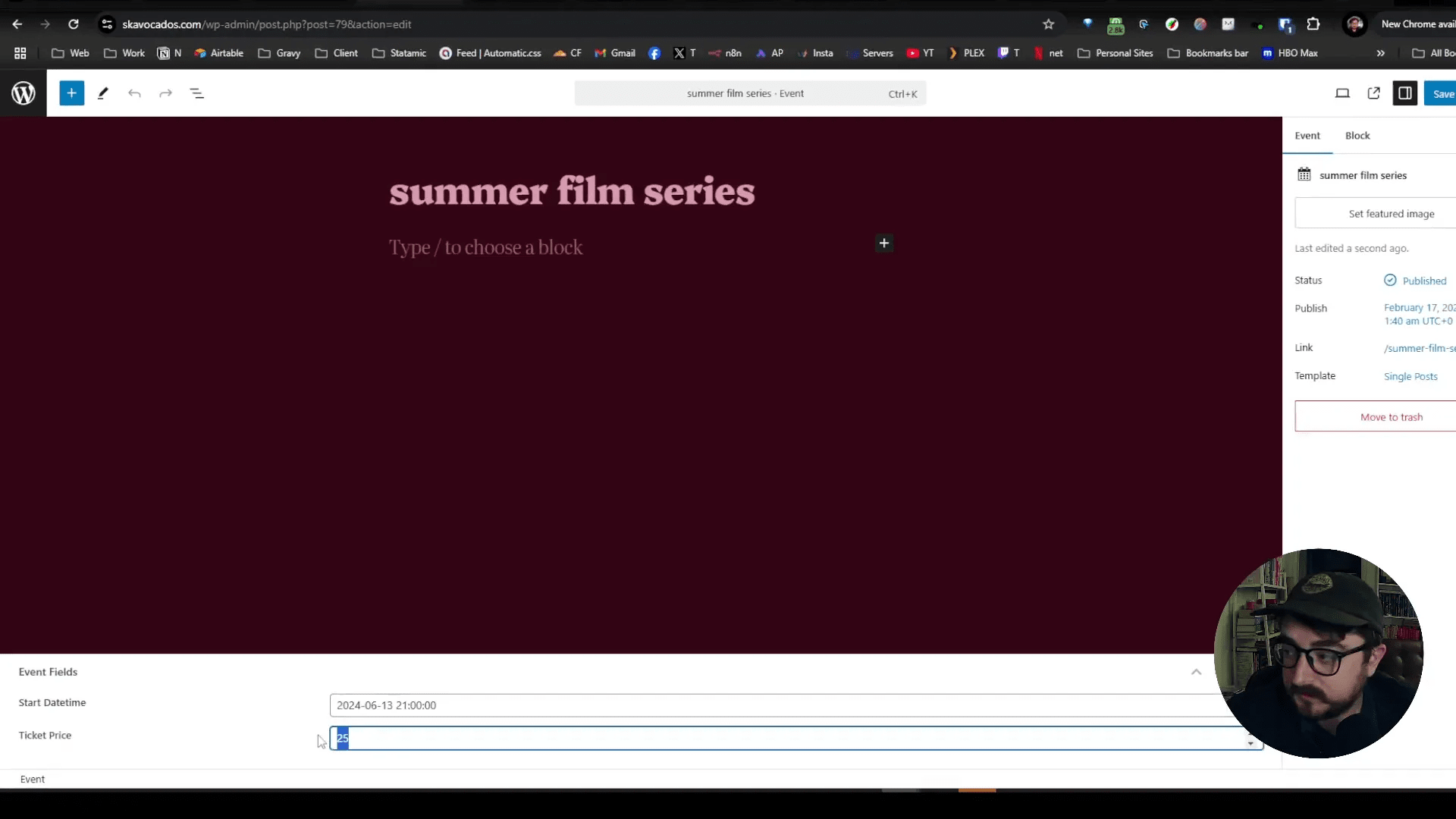
Once the updates are made, refreshing the page reveals the new details. The ticket price now reflects $25, and the event time has been updated accordingly. This demonstrates the power of custom fields in WordPress, allowing for real-time updates that are immediately visible to users.
Adding More Events
Let’s add another event for Labor Day 2025 at 6 PM. The process is straightforward: we simply input the details, and the system will handle the rest.
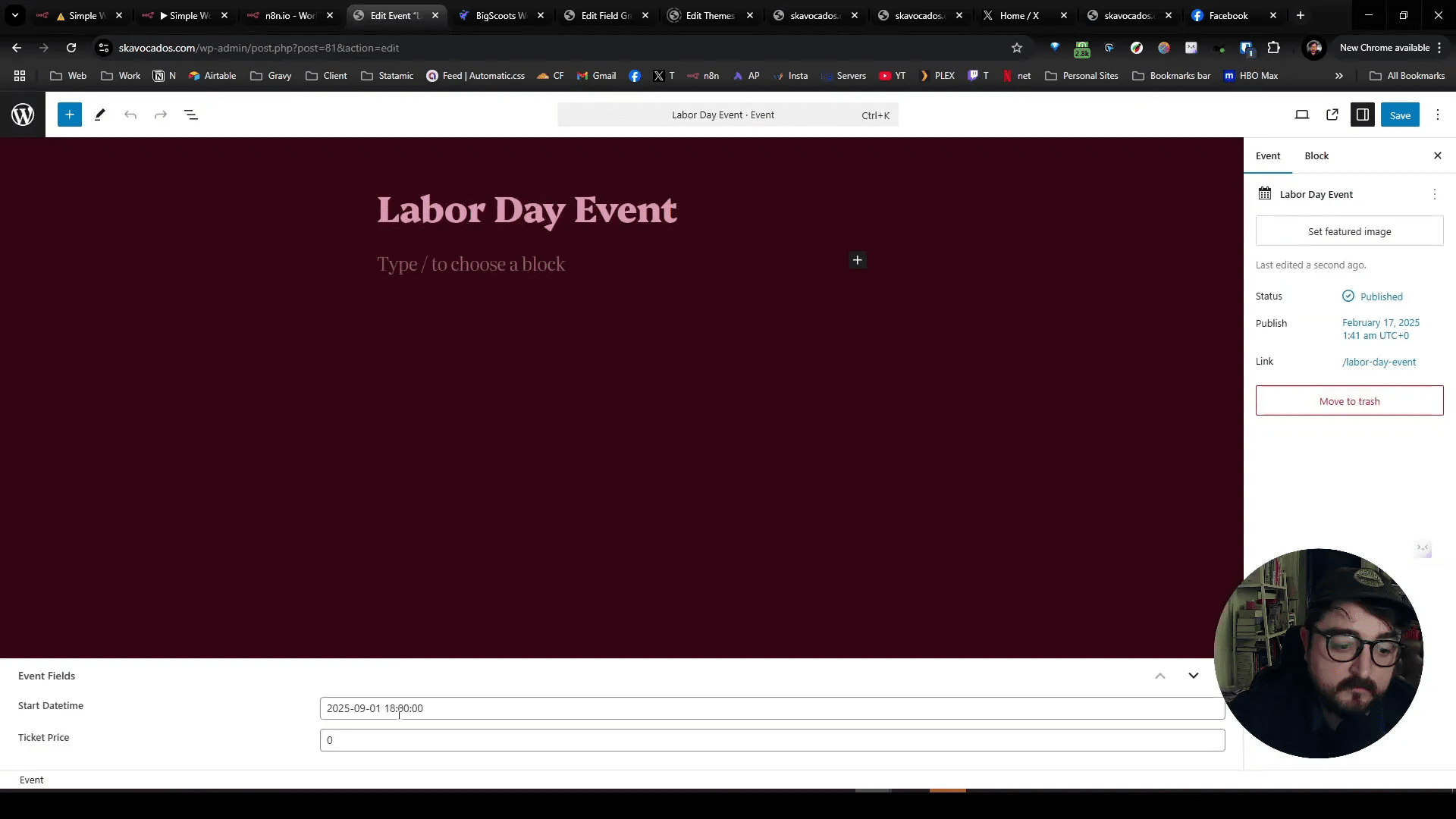
Once the event is created, we can navigate back to our events list and confirm that the new event appears with the correct date and time. This is a clear illustration of how custom fields can streamline event management in WordPress.
Editing Existing Events
Now, let’s say we want to rename the “Labor Day” event to “Go Back to Work” and adjust the ticket price to $5. This process should also be seamless.
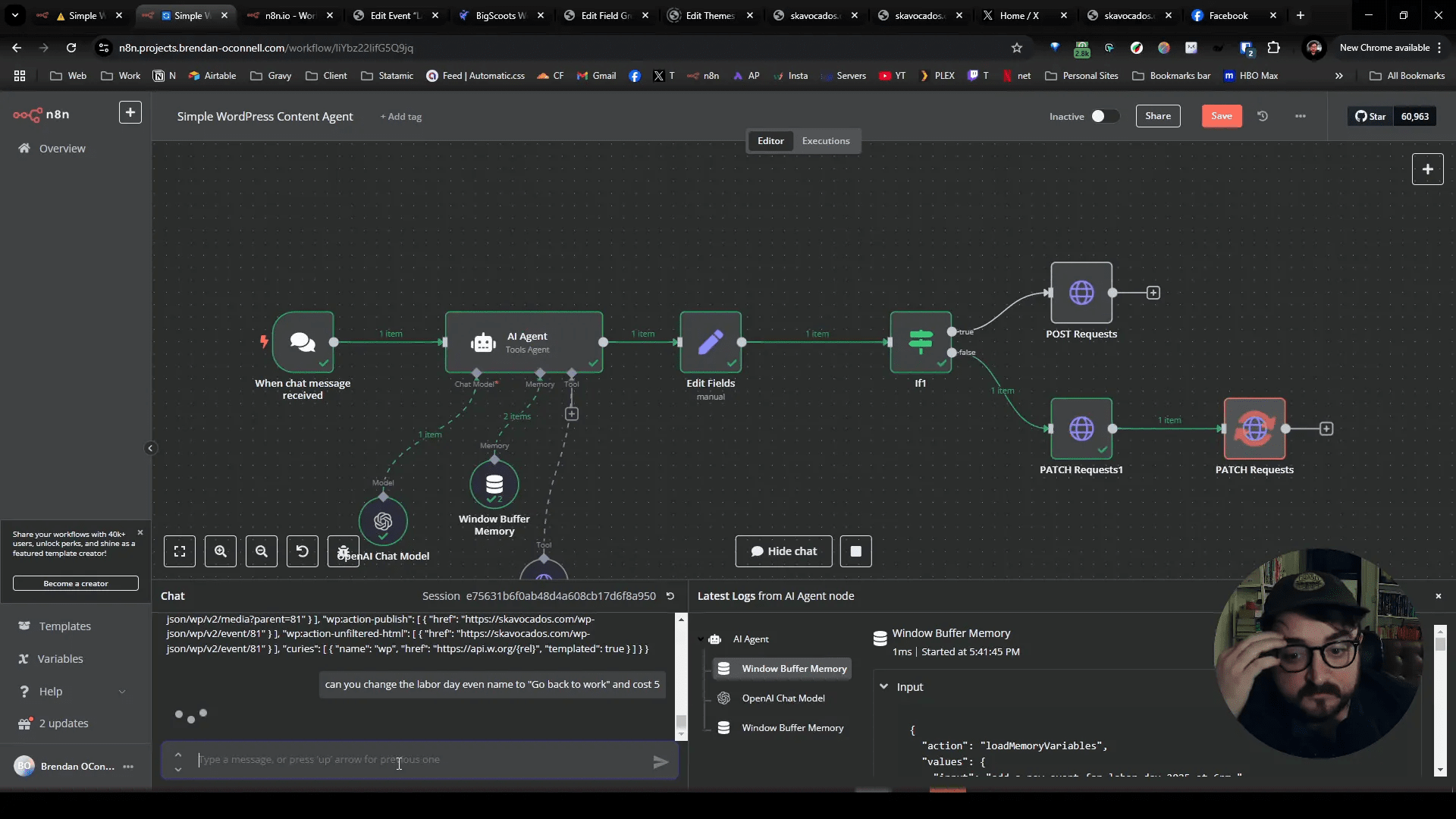
After making the changes and refreshing the page, we see that the event name has been updated, and the new ticket price is displayed. All fields are working as intended, showcasing the effectiveness of AI agents in managing custom fields within WordPress.
The Power of AI in Custom Fields
Using AI agents to manage custom fields in WordPress not only saves time but also enhances accuracy. You can automate repetitive tasks, ensuring that your data remains consistent and up-to-date. This is particularly beneficial for businesses and organizations that rely on timely updates for events and promotions.
Why Custom Fields Matter
Custom fields provide a flexible way to manage additional information in WordPress. They allow you to tailor your content management system to fit your specific needs, whether that’s for events, products, or any other type of content.
- Enhanced Functionality: Custom fields extend the capabilities of WordPress, enabling you to add unique data points to your posts and pages.
- Improved Organization: By using custom fields, you can categorize and filter your content more effectively, making it easier to manage.
- Automation Potential: Combining custom fields with AI can automate many manual processes, reducing the risk of human error.
Frequently Asked Questions
What are custom fields in WordPress?
Custom fields are a way to add additional metadata to your posts and pages, allowing for more detailed and structured content management.
How can I create custom fields?
You can create custom fields through the WordPress admin panel or by using plugins like Advanced Custom Fields (ACF).
Can I use AI to manage custom fields?
Yes! AI can help automate the creation and updating of custom fields, making content management more efficient.
What are some practical uses of custom fields?
Custom fields can be used for various purposes, including managing event details, product specifications, or any other unique data related to your content.
How do I ensure my custom fields are displayed correctly?
Ensure that your theme supports custom fields or use plugins that allow you to display them properly on your site.
Conclusion
Custom fields in WordPress are powerful tools that can significantly enhance your site’s functionality. By integrating AI agents into this process, you can automate and streamline your content management, making it easier than ever to keep your site updated. Whether you’re managing events or any other type of content, leveraging the power of custom fields can lead to a more organized and efficient workflow.
For more insights and tutorials on WordPress and custom fields, check out my website or follow me on Twitter.